Kitchen order screen for restaurants The tablet rings, the ticket prints in the kitchen.
Every order reaches the counter, wherever it comes from. You accept it with a preparation time, and the customer is told.
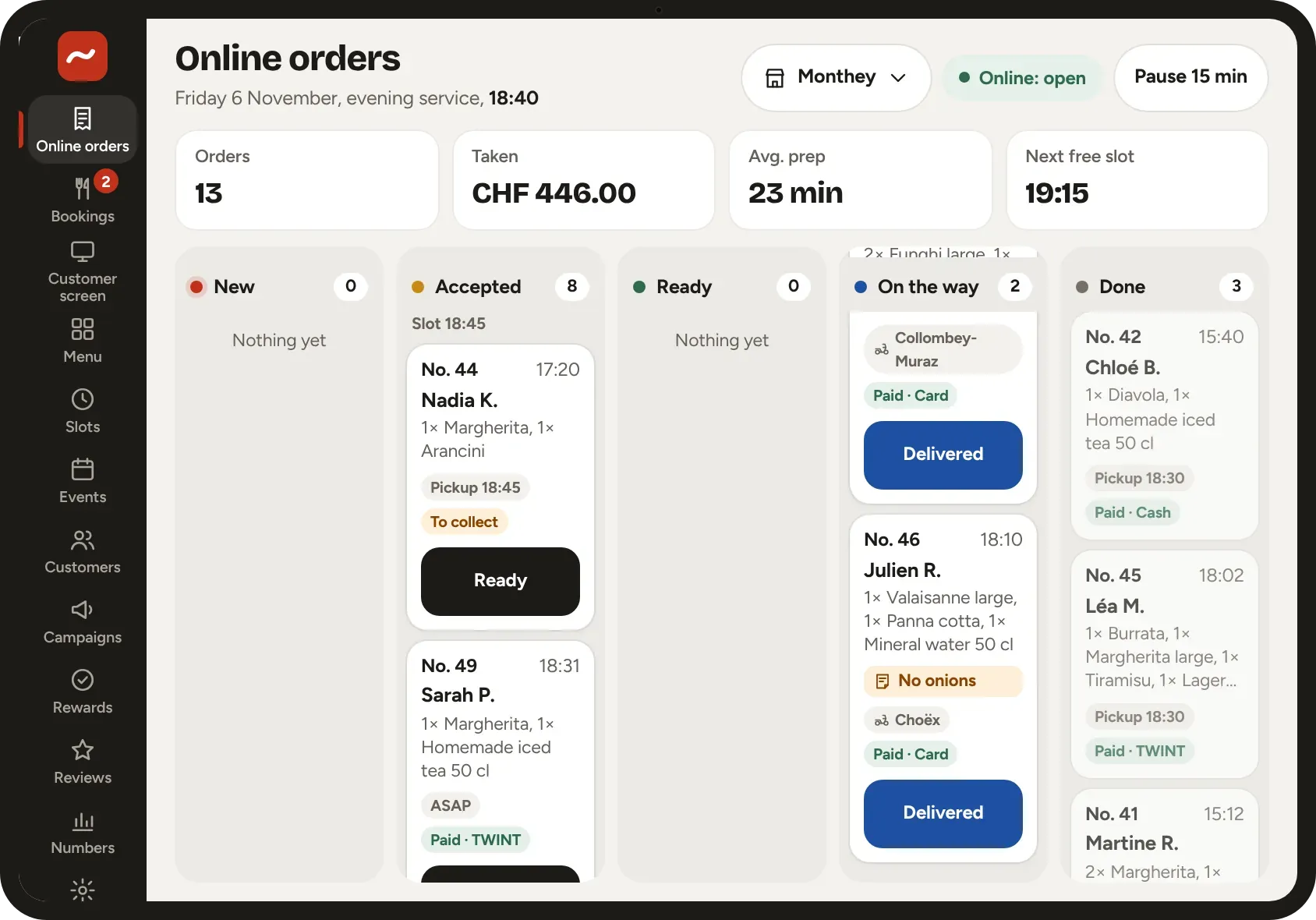
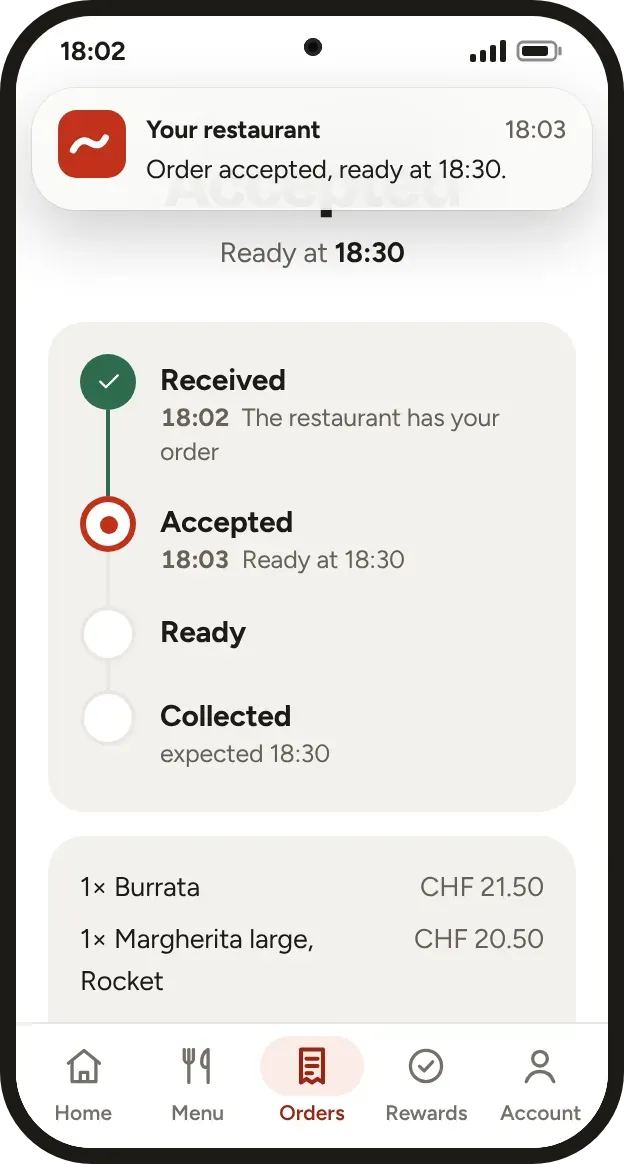
Accept with one tap
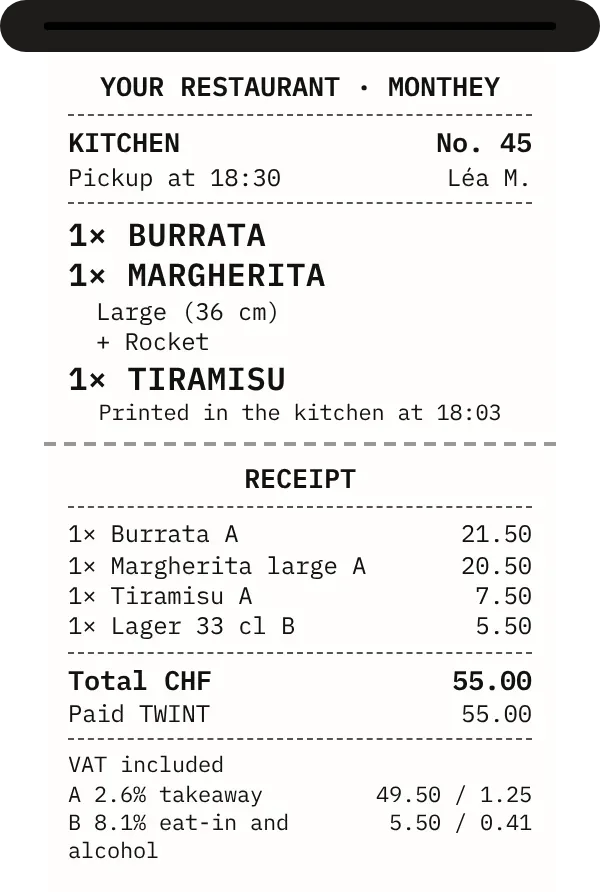
The tablet rings for every order. You accept it with the time it will be ready, and the ticket prints.
- The ticket where it belongs The customer’s notes in bold, both VAT rates, 2.6 % for takeaway and 8.1 % for eat-in.
- A delay in one click The customer gets the message straight away.
- The pickup screen It shows the orders that are ready at the counter.
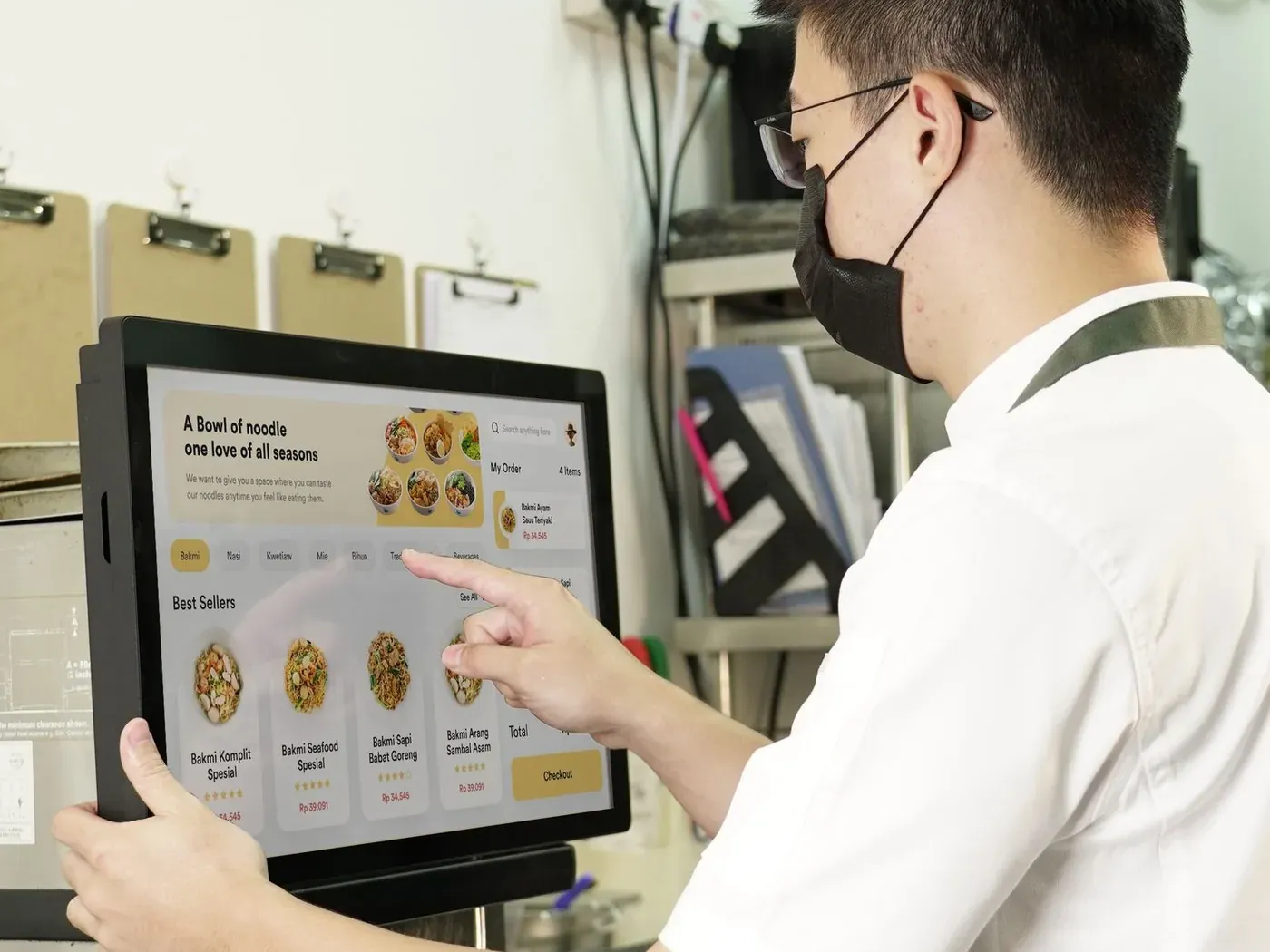
One tablet, or one screen, for every channel
The app, the website, Uber Eats and Just Eat land in the same place. The till and the platforms go through a market connector, depending on your till.
It comes in through
- The ordering website, nothing to download
- The iPhone and Android apps
- The QR code, at the counter and on tables
- Uber Eats and Just Eat, by connection
- Your website or page
- The till, if connected
The counter screenEvery order in one place
And goes out to
- The ticket printed in the kitchen
- The ready-orders screen at the counter
- The driver, with the address
- The customer, told at every step
- The day’s figures
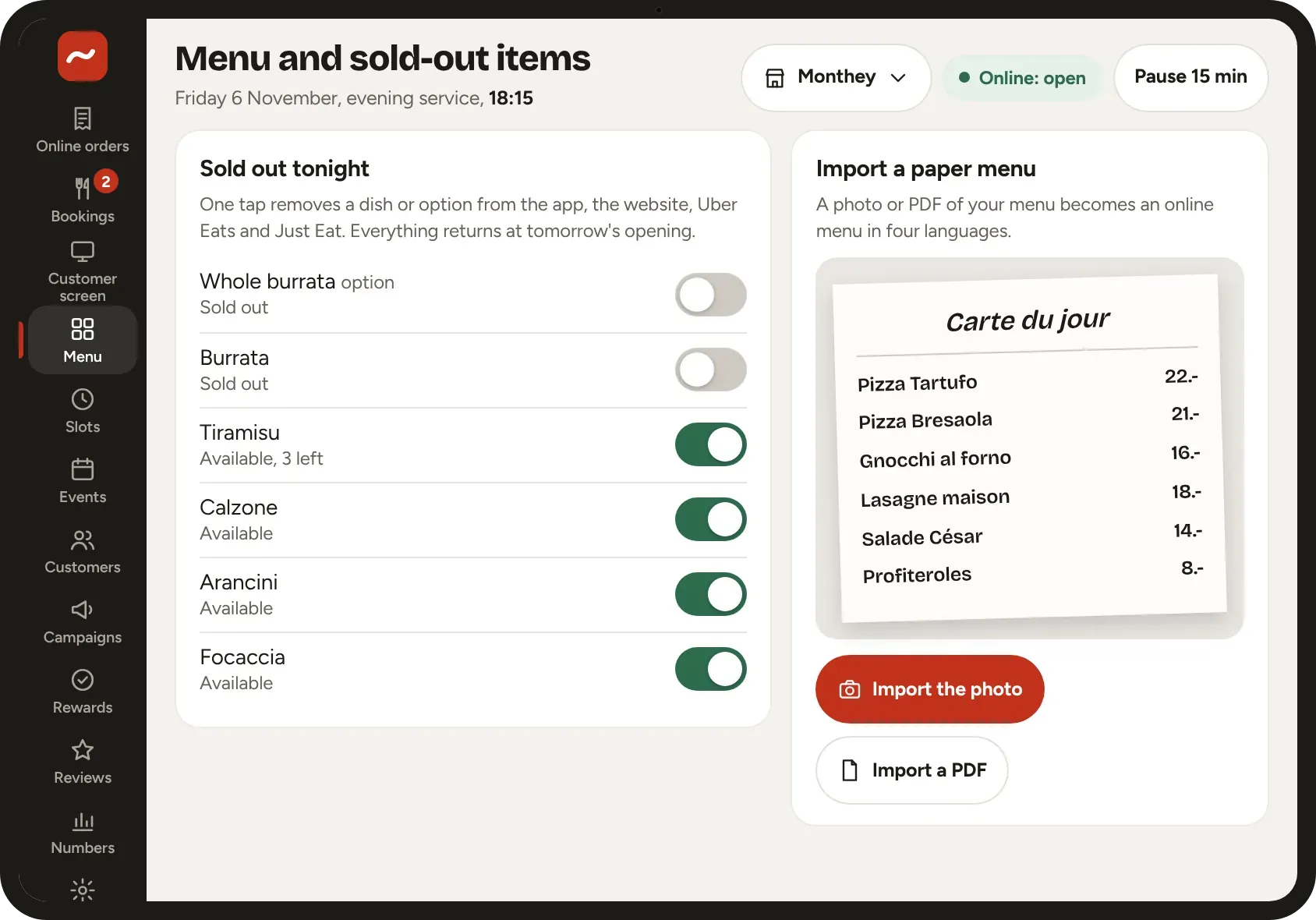
The menu, run from the counter
A sold-out dish comes off with one tap and returns the next day. The menu is imported from a photo or a PDF, translated into four languages.
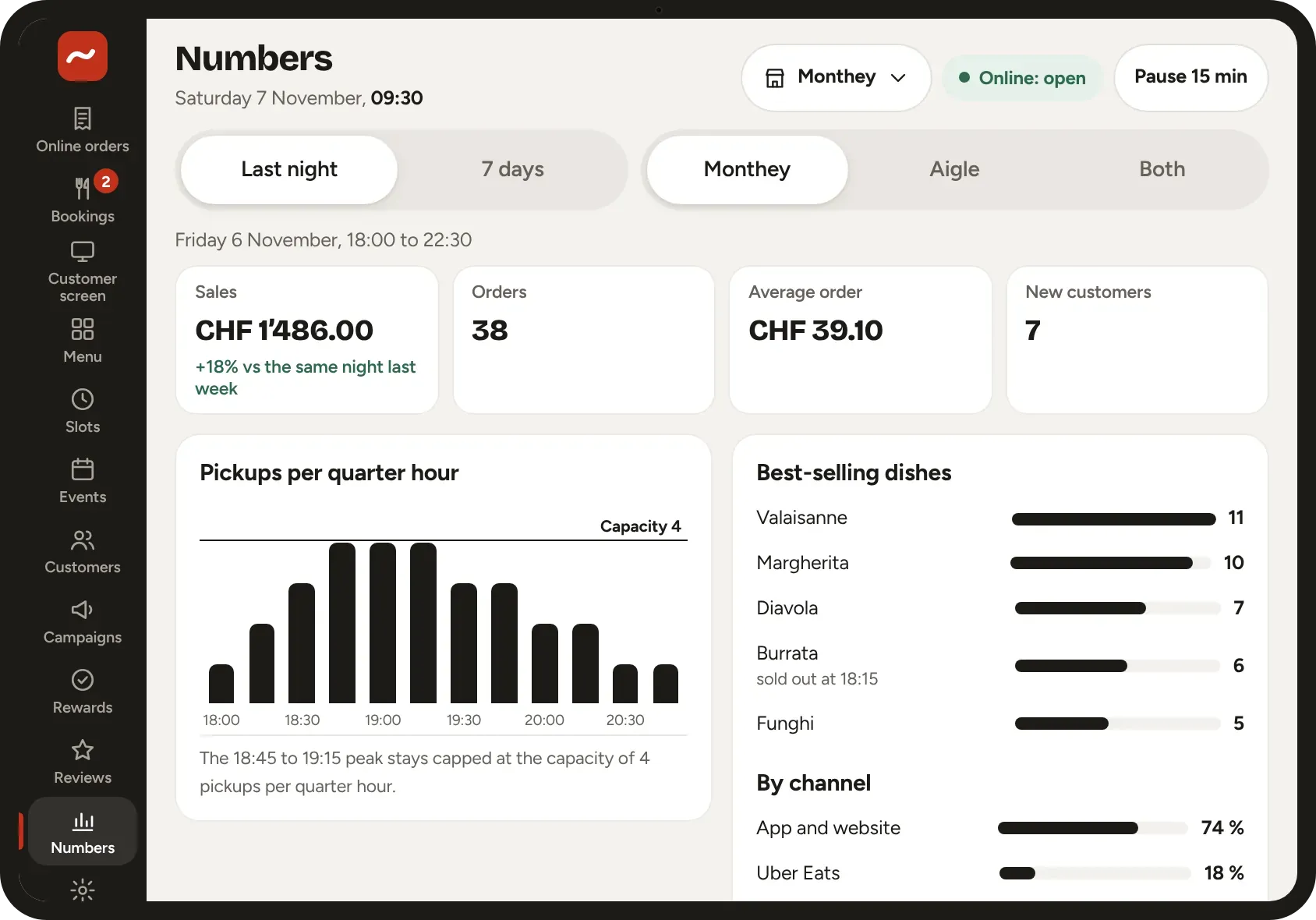
The figures of the evening
Sales, average basket, best-selling dishes, pickups per quarter hour and the share of each channel. A capacity per time slot: when the oven is full, the customer picks the next time.
You may also be wondering
 Clovis · founder
The demo, with your menu
Send us your restaurant’s name and your menu (a photo or a PDF is enough). Clovis replies by email within one business day, then prepares the demo under your name.